Wishlists · Groups · Secret Santa
Wishes that come true
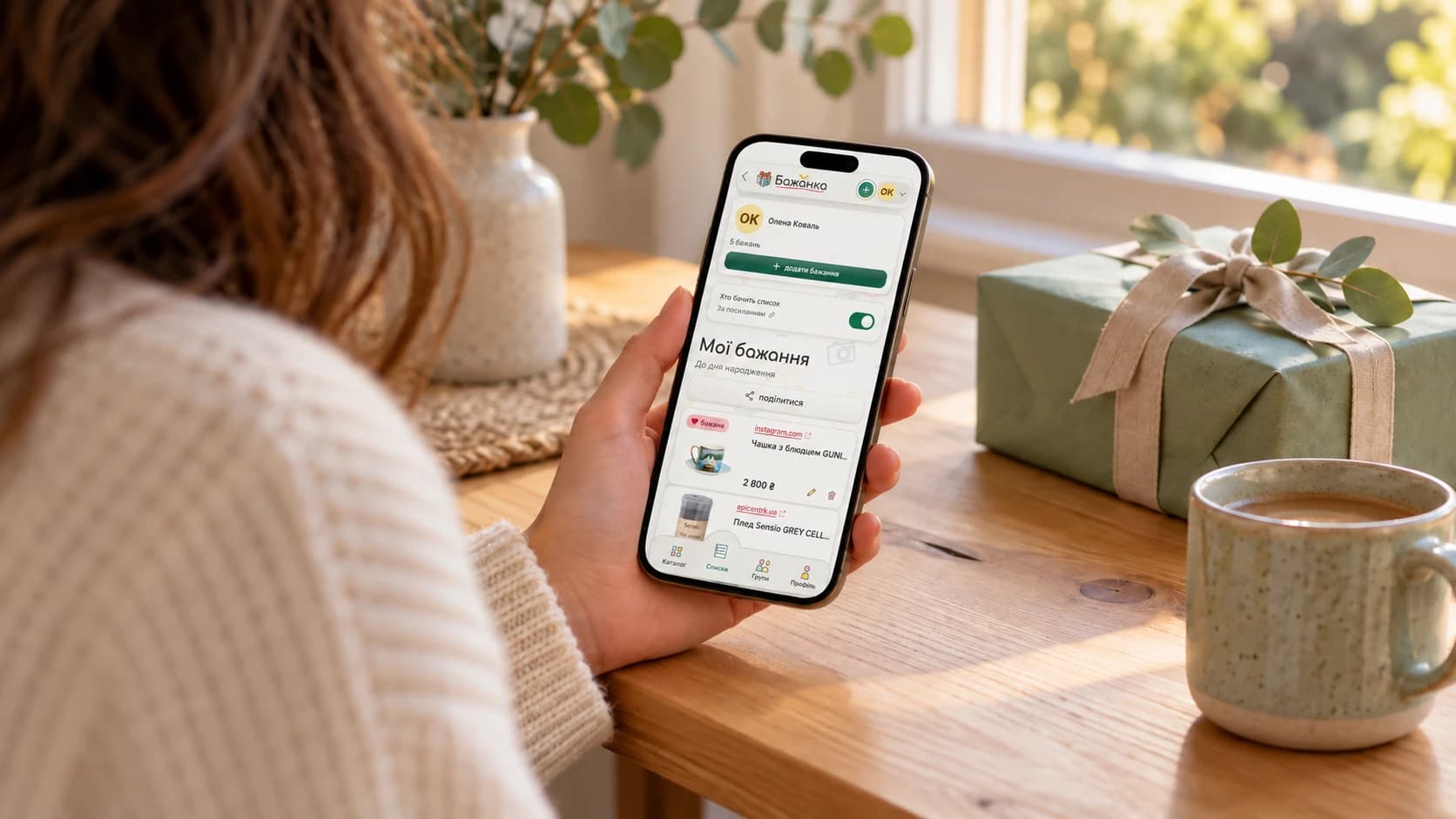
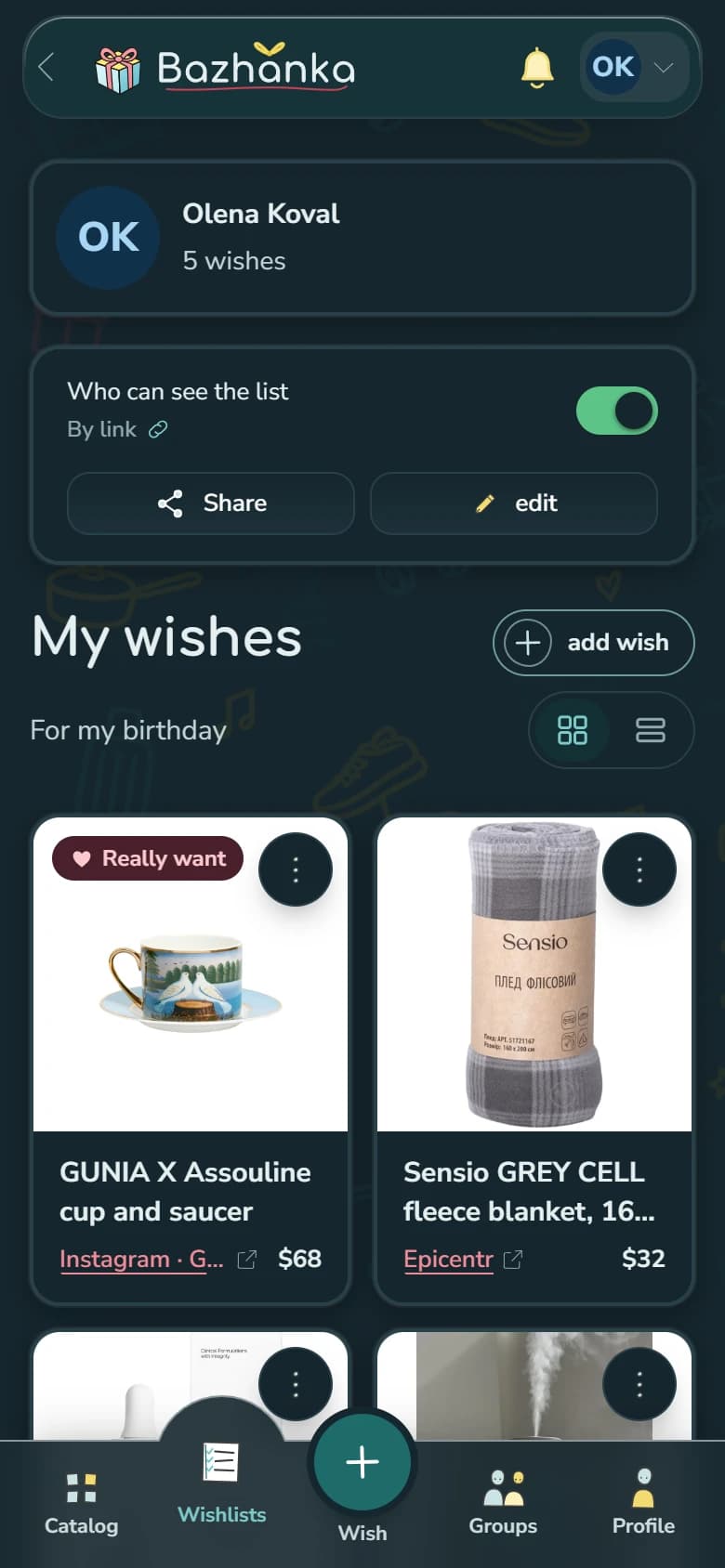
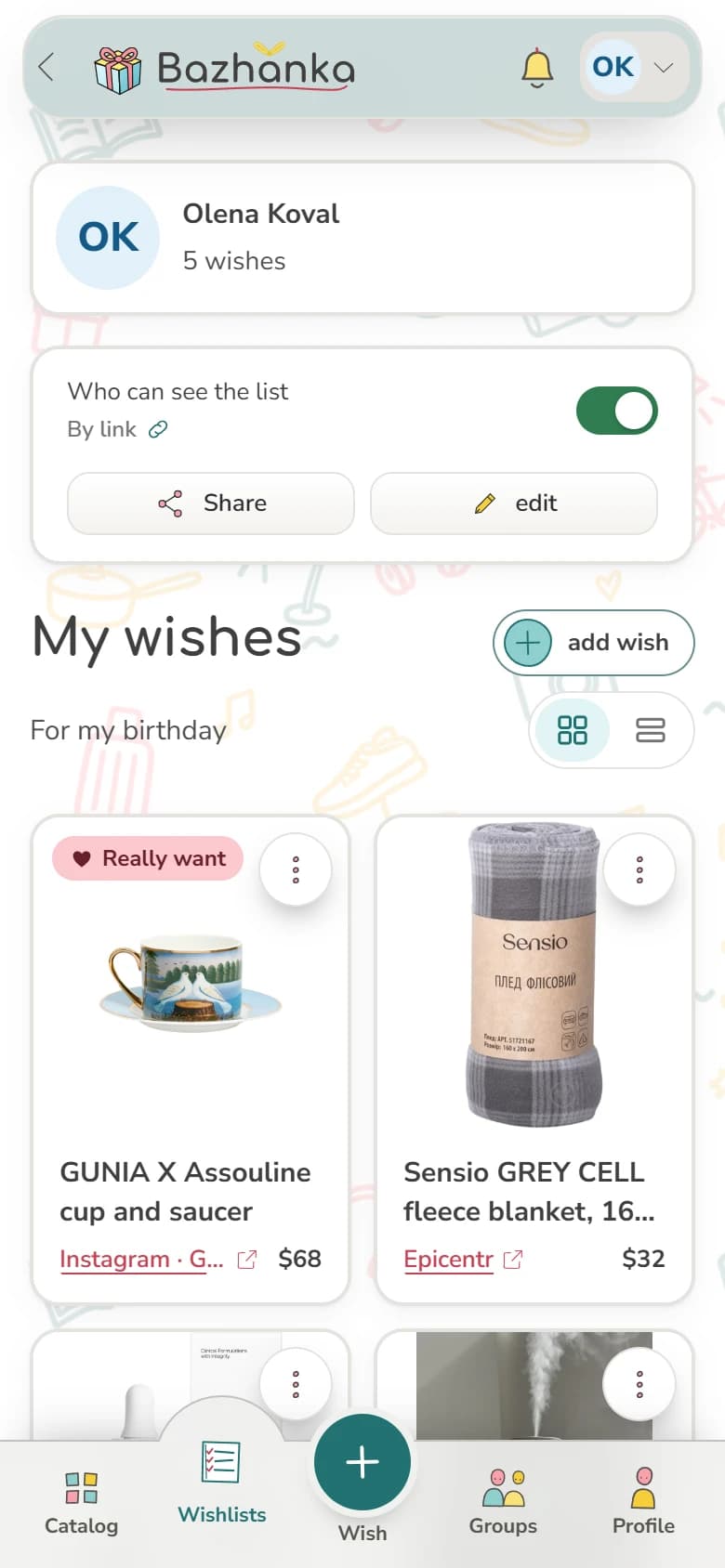
Collect wishes in separate lists, share them with people close to you, and avoid duplicate gifts. Create a group for two, for friends and family, or for a Secret Santa exchange. Paste a product link or an Instagram post, and we fill in the title, price and photo.
Even easier
Bazhanka is always at hand
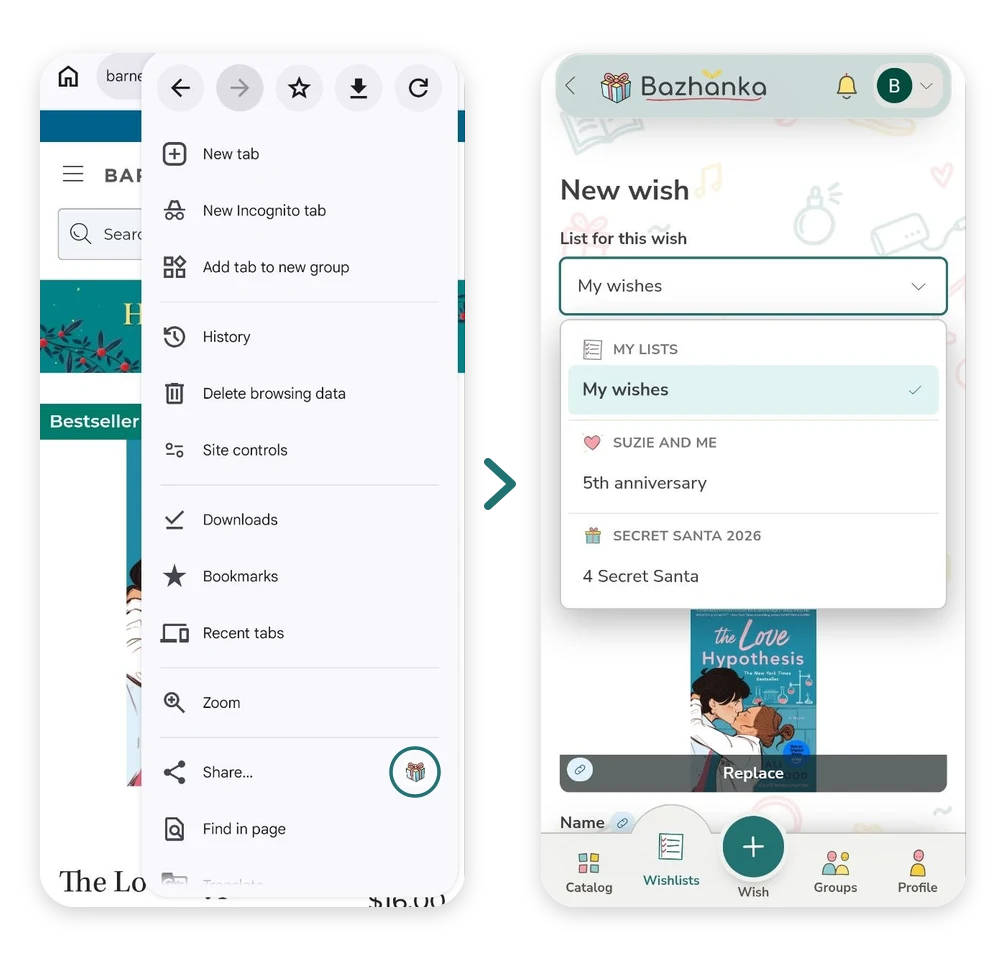
Browser extension
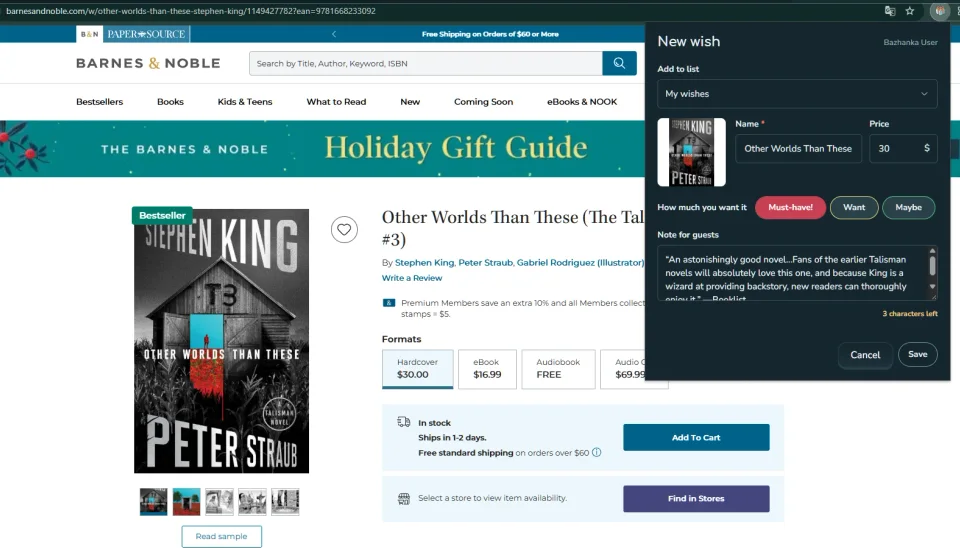
Open a product in any store and click the icon: we fill in the name, photo and price, and you only choose the list. It works even where autofill on the site is limited.
Install it as an app
An icon on your home screen and no address bar.
From wish to gift
How it works
Add your wishes
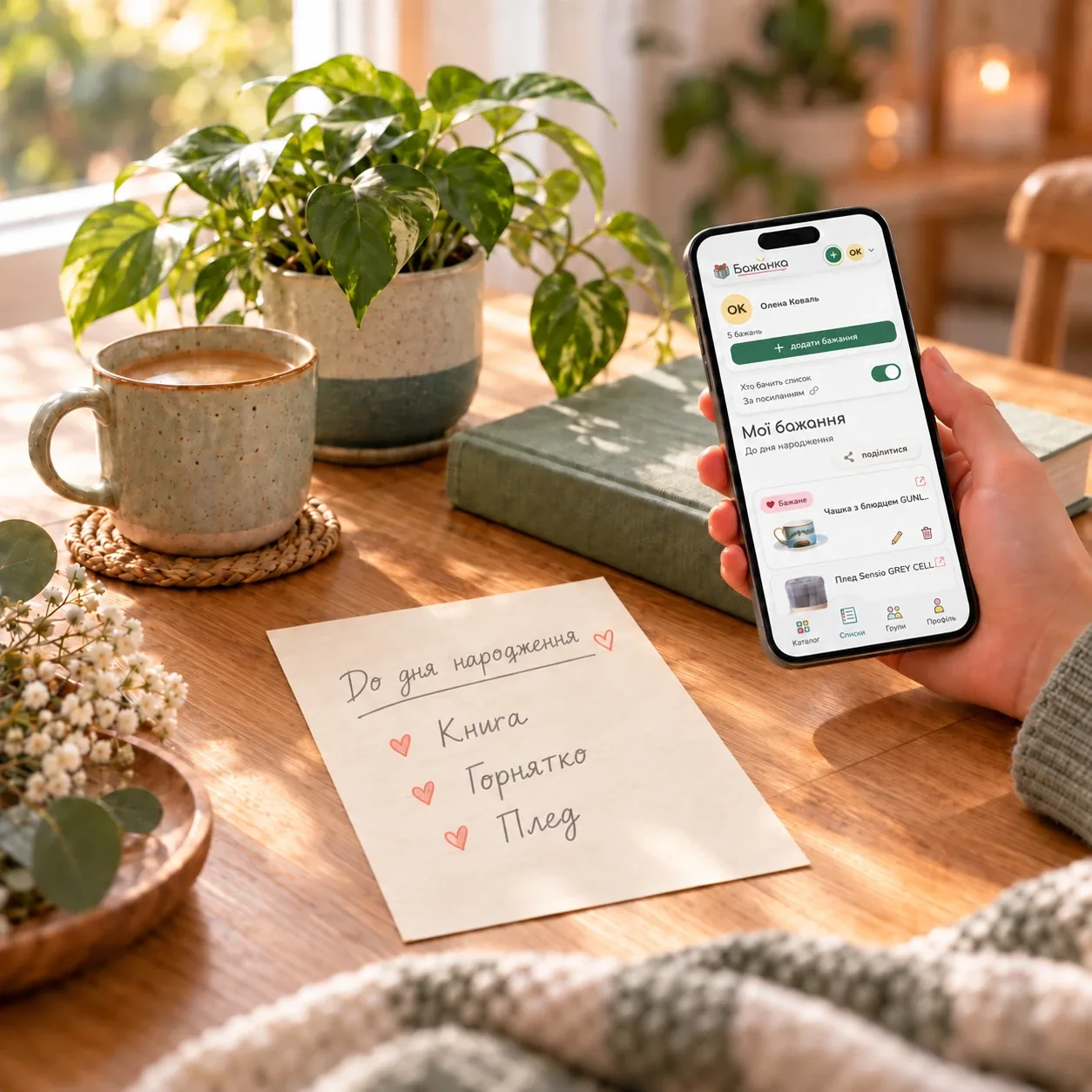
Paste a product link and Bazhanka will try to fill in its name, price and photo. Or find it in the catalog, or describe it in your own words.
Organize your lists
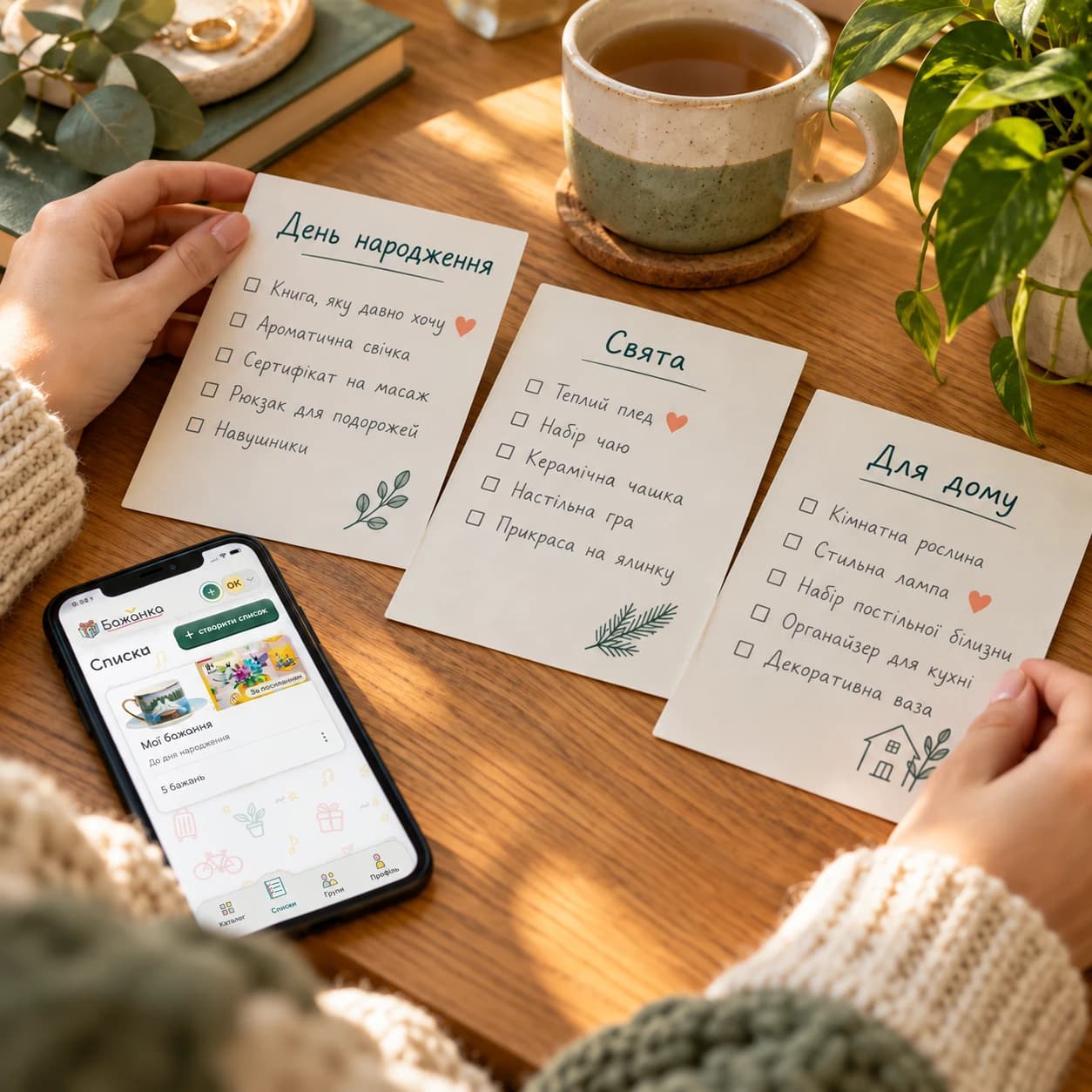
Create separate lists for birthdays, holidays or shared plans. Mark important wishes to help people close to you choose a gift.
Share with loved ones
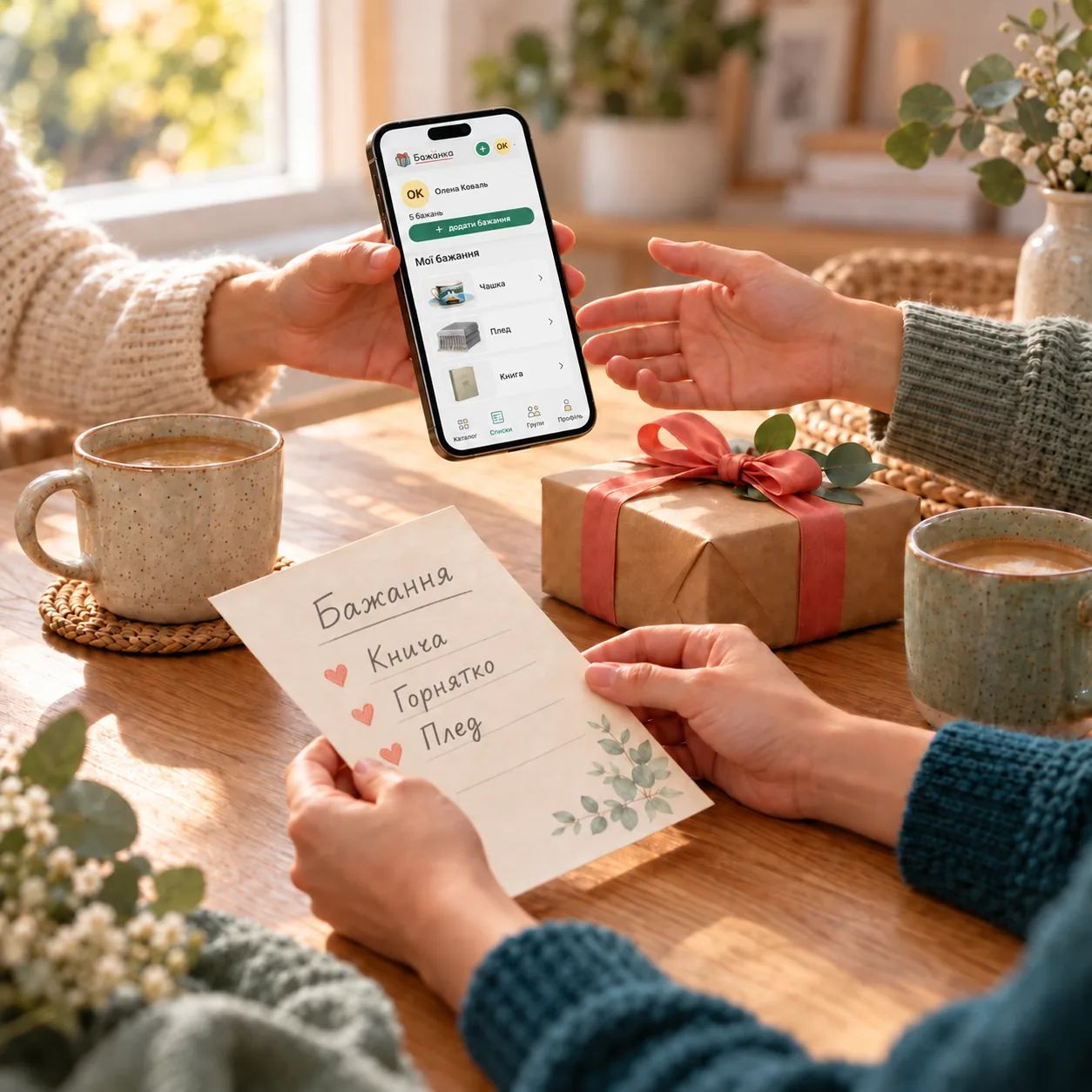
Send your list by link or create a group for family, friends or colleagues. Group members can see one another’s lists.
Reserve gifts
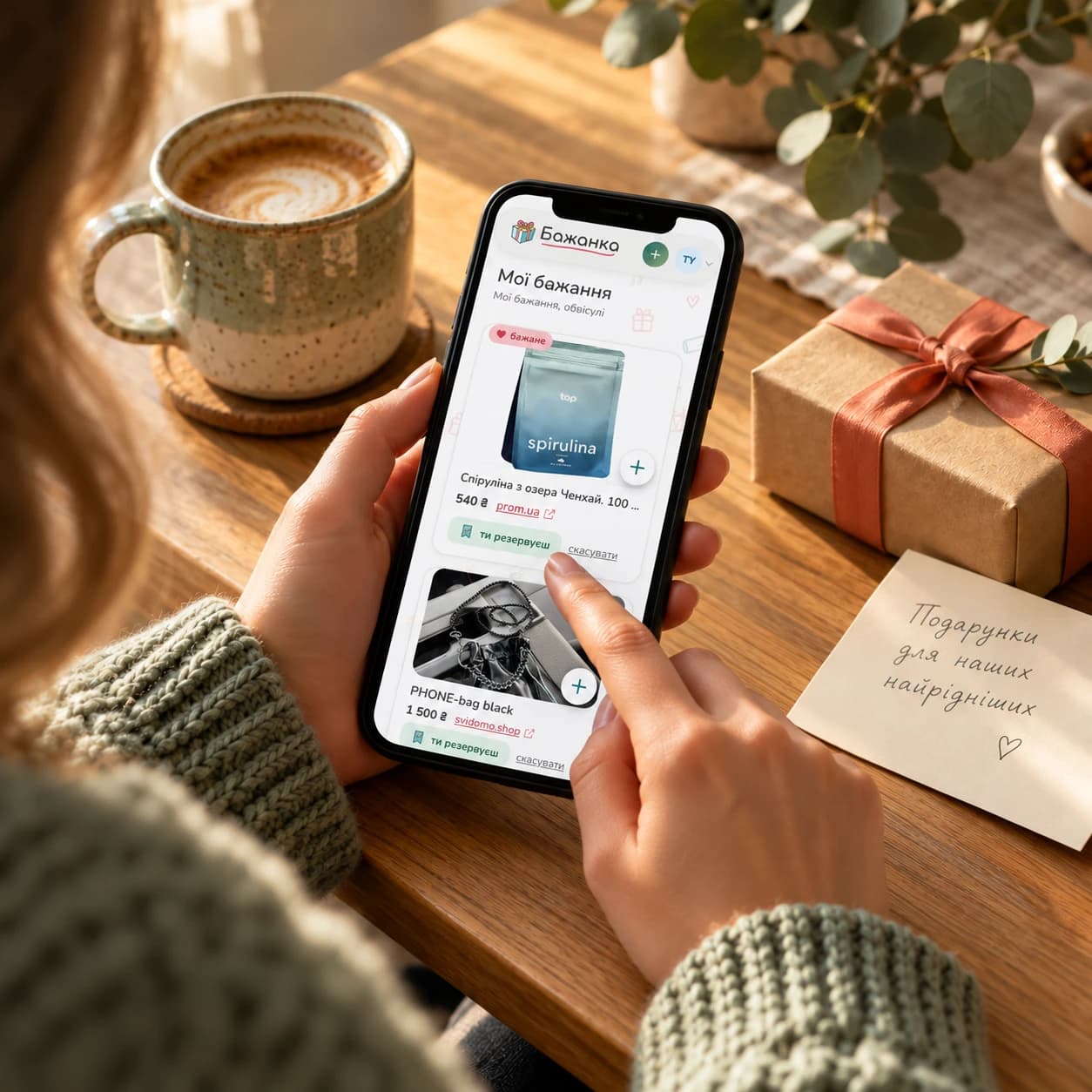
Choose a wish from someone else’s list you can access and reserve the gift. Others will see it has been chosen and avoid buying the same thing.
Keep the surprise
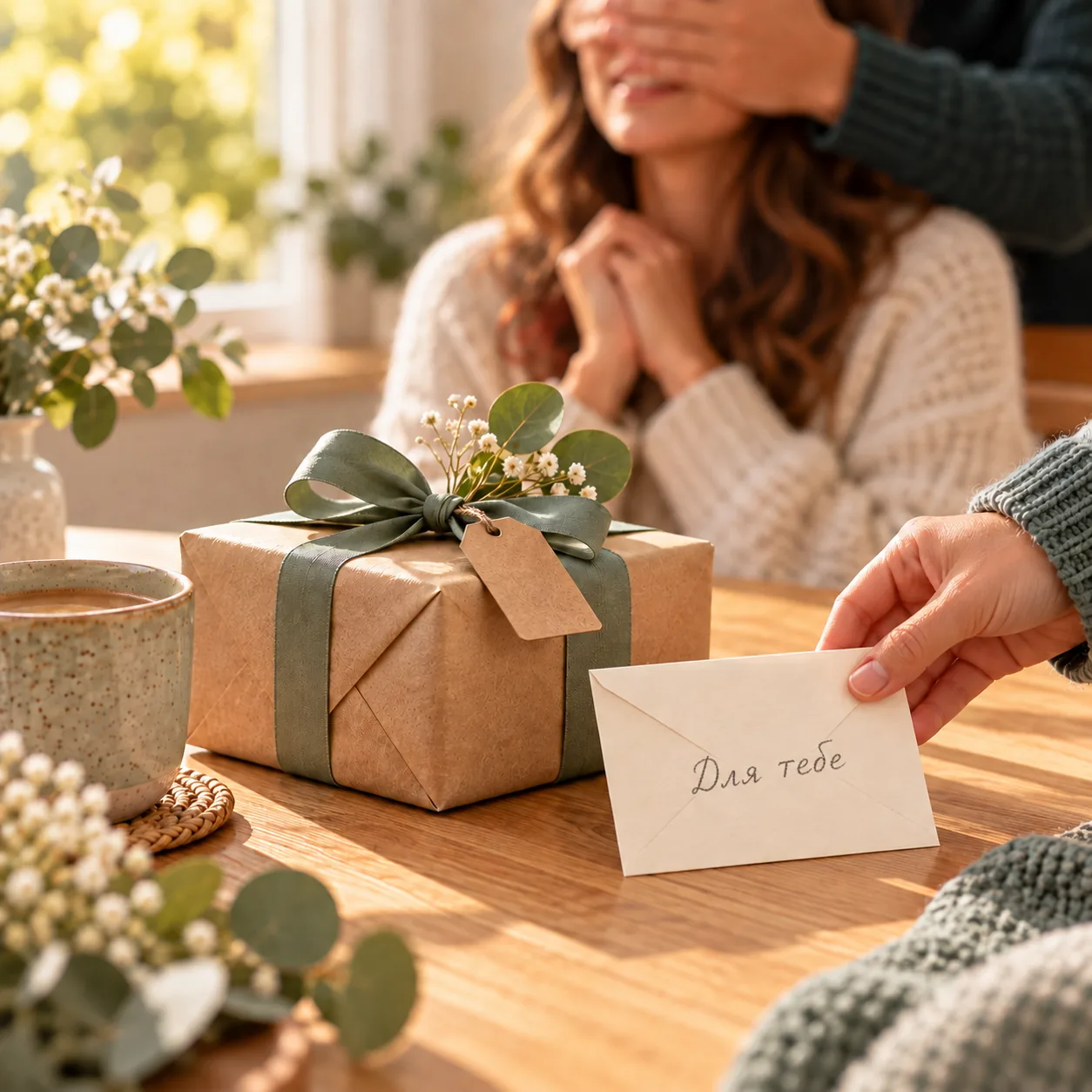
Choose whether to see reservation marks in your personal list. The names of people reserving gifts remain hidden.
Groups
One shared list for your celebrations
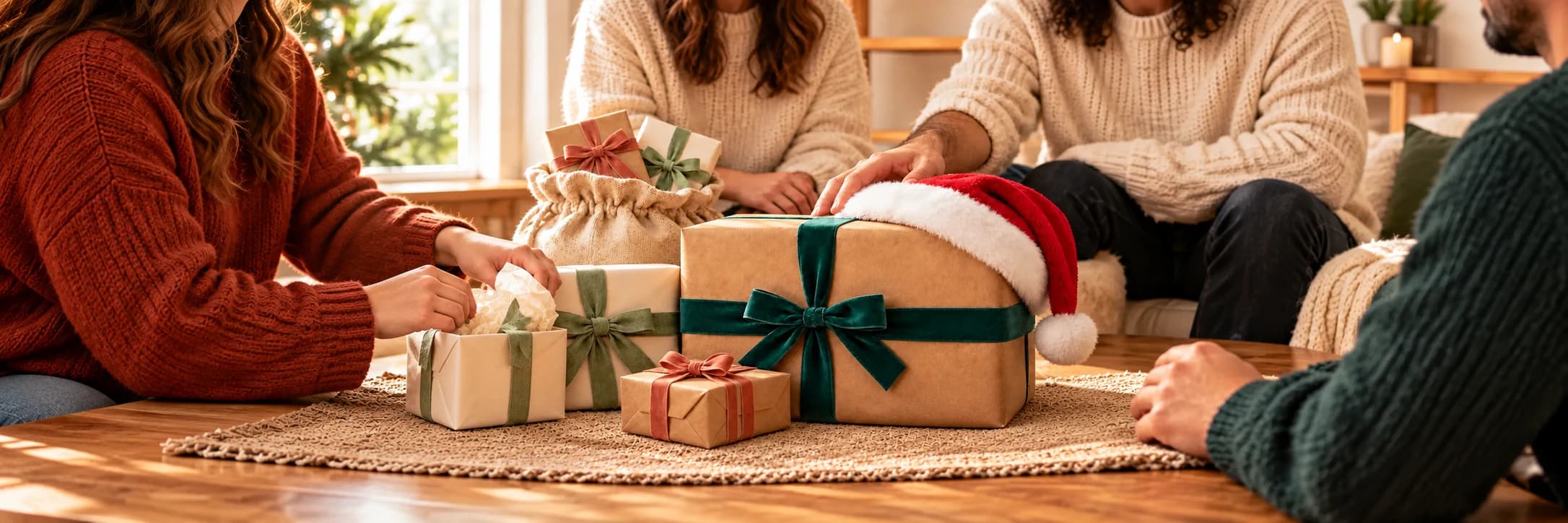
Add wishes together for a wedding, a housewarming or a new baby, and let guests reserve gifts without duplicates.


Answers
Frequently asked questions
Do my friends need an account to see my list?
An account is not needed to view a list shared by link. To reserve a gift, viewers need to sign in or register. Lists in Friends & family groups are only available to group members.
Who can see my list?
A personal list can be private or shared by link. Lists in Friends & family groups are only visible to group members. Lists in a Couple group are shared by link, but the link does not make a viewer a member of the group. In Secret Santa, other people’s lists are hidden before the draw; afterwards, you can only see your own list and your recipient’s list.
Will I see who reserved my gift?
Owners and co-owners cannot see who reserved a gift. In a personal list, you can show reservation markers or hide them to keep a surprise. Shared lists, including lists in Couple groups, show the markers to both co-owners, but you cannot reserve gifts in a list you co-own. Secret Santa does not use reservations.
Which shops does Bazhanka work with?
Paste a product link and we will try to fill in its name, price and photo. For some sites autofill may not work, so you can enter the details by hand. You can also add a wish without any link: just describe it.
Can I save someone else’s list for myself?
Yes, if you can access someone else’s list and it offers the “Copy list” action. This creates a personal copy without changing the original. In Friends & family groups, the action is in the three-dot menu on the list button. You can also add a single wish to your own list. Private lists are not available to copy.
Which group modes does Bazhanka have?
Couple is for the celebrations of two people: you fill in the lists together, and friends and family reserve the gifts. In Friends & family mode, everyone has their own lists, which all group members can see. Secret Santa is a gift exchange with a draw: one list per member and at least four people to start. Add members using the group’s invite button.
How can I hear about new wishes in a list?
Sign in and choose “Follow list” on someone else’s list that you can access. In Friends & family groups, this action is in the three-dot menu on the list button. You will receive a notification when the author adds a wish. Use the same menu to unfollow. You do not need to follow lists you own or co-own.
What is Secret Santa?
It is a gift exchange inside a group: everyone secretly prepares a gift for one other member. The organizer takes part too. Playing is free. See the rules of the game for details.
Start today
Start with your own list
Create an account - it takes a minute, and you can add your first wish right away.